Video Tutorials
These videos demonstrate how to get started creating course outlines using the Outline Project.






These videos will get you up to speed on using the Outline Project to create course outlines.
You’ll need Quicktime installed in order to watch these videos.
Wednesday, February 28, 2007
Getting Started
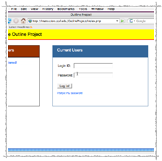
This video shows how you can register for the Outline Project and shows the basics of creating your first course outline.


Wednesday, February 28, 2007
Major Learning Outcomes; Automatic Letters
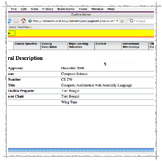
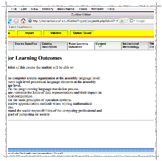
When entering your Major Learning Outcomes, the Outline Project will automatically keep track of the letters for you. This video shows you the basics of this interface.

Wednesday, February 28, 2007
Content Section
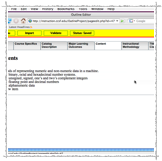
Like Major Learning Outcomes, the Outline Project will keep the numbering of the Content section of your outline. This video also shows how you can use the promote and demote buttons to make a multi-level outline.

Wednesday, February 28, 2007
Importing Content
Another big feature of the Outline Project is its ability to import and reformat content from another document. This video shows the import operation in action.

Wednesday, February 28, 2007
Validation
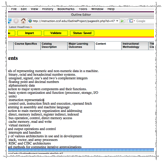
Currently the Outline Project can do some simple validation of your Content section, making sure that you don’t have an item that has just one sub-element (i.e., a 1 without a 2). This video shows how to do this validation.

Wednesday, February 28, 2007
Italics, bold, and underlines
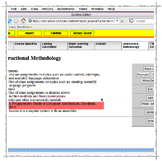
In the Major Learning Outcomes, Content, and Instructional Methodology sections you can format text in italics, bold, and underlines. This movie shows how.

Wednesday, February 28, 2007
Printing an Outline
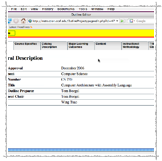
Now that you’ve typed in all of the content of your outline, you’re ready to print. This video shows how to get a PDF version of your outline.

Wednesday, February 28, 2007
Sharing an Outline; Other Options
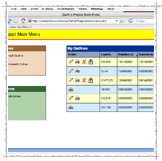
The first part of this video shows how you can share an outline you’ve created with someone else who is signed up for the Outline Project.
When you first register for the outline project, you’re asked to fill in some basic information, including your department chair’s and dean’s name. The second part of this video demonstrates how to update this information.